
Font identification with free alternatives
WhatFontIs stands apart from other font identification tools because it bridges the gap between commercial typefaces and free alternatives. Its database of over 1,2M fonts spans commercial libraries, Google Fonts, DaFont, Font Squirrel, and many other free font repositories — making it the most comprehensive cross-source identification engine available online.
The platform uses AI and image-processing algorithms to extract letterforms from uploaded images and compare them against its vast index. When it finds a match, it presents not only the exact typeface but also visually similar fonts from free sources, which is invaluable if you can't afford the original or need a budget-friendly substitute for a client project.
For professional teams and developers, WhatFontIs also offers a REST API, enabling programmatic font identification at scale. This makes it useful for building automated workflows — such as a content pipeline that flags font usage in incoming brand assets or a design tool that auto-suggests matching typefaces.
The free plan is functional for casual use, though power users who need unlimited monthly searches benefit from one of the paid plans. The browser extension also allows you to identify fonts directly from websites without needing to take a screenshot first.
What WhatFontIs offers
One of the largest cross-source font databases, combining commercial foundries, Google Fonts, DaFont, and other free repositories into one searchable index.
For every identified font, WhatFontIs shows visually similar free alternatives — perfect for budget-conscious designers who need to match a style without a licensing cost.
Uniquely covers popular free font platforms including Google Fonts, DaFont, Font Squirrel, and 1001Fonts — resources that paid-only tools like WhatTheFont ignore entirely.
Right-click any image on any website to identify fonts immediately without downloading screenshots — fast, seamless, and fully integrated into your browsing workflow.
A REST API lets developers integrate font identification directly into their own tools, workflows, and applications — enabling automated processing of images at scale.
WhatFontIs provides an MCP (Model Context Protocol) plugin that lets AI assistants such as Claude identify fonts directly from a conversation — no browser tab needed.
Pros & Cons
Strengths
- Massive 1,2M+ font database — significantly larger than most competitors — covering both premium and free typefaces.
- Uniquely surfaces free font alternatives alongside paid matches, making it the top choice for designers working within budget constraints.
- Covers Google Fonts, DaFont, and other free font platforms — resources that commercial-only tools miss entirely.
- Developer API enables integration into custom tools and automated font-identification workflows.
Limitations
- The free plan limits the number of font identifications per day — heavy users must upgrade to a paid subscription.
- The user interface feels dated compared to more modern tools, and navigation can be less intuitive for first-time users.
- Image quality matters a lot. Low-resolution, distorted, obscured, or highly stylized text can produce poor matches.
How to use WhatFontIs
WhatFontIs walks you through four guided steps — upload, crop, optimize, and confirm — before returning up to 60 matching fonts.
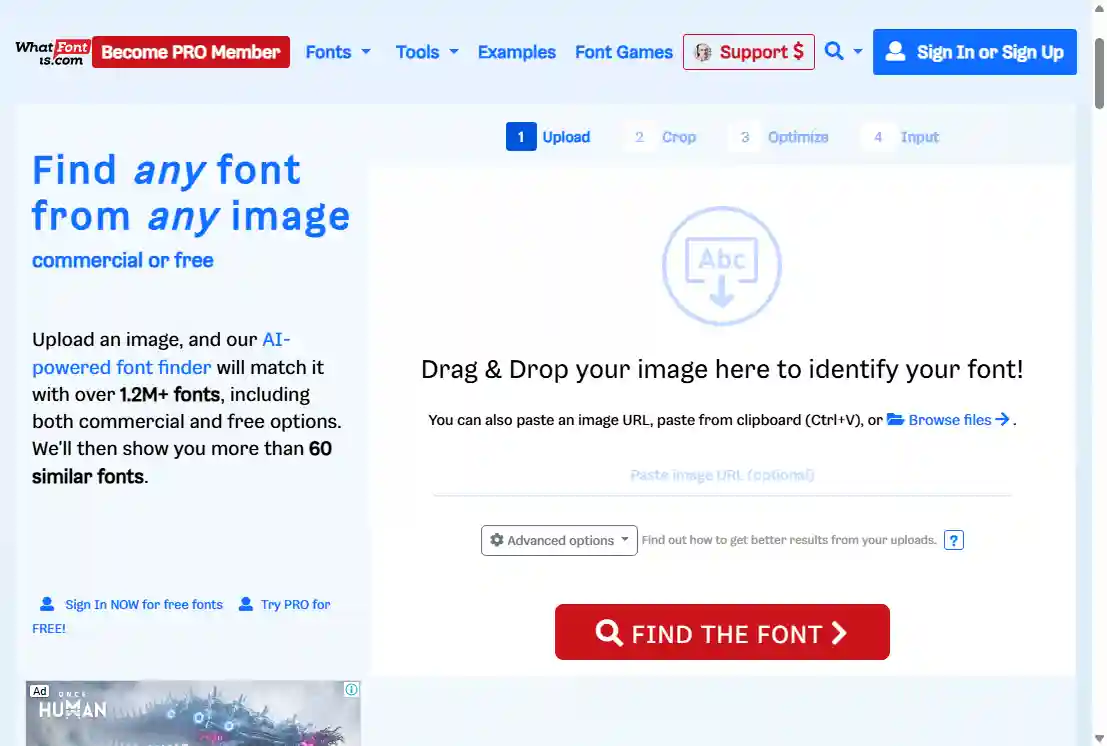
Go to whatfontis.com and drag and drop your image onto the upload zone, paste an image URL, or use the file browser to select a file. You can also paste an image directly from the clipboard with Ctrl+V. Advanced options let you pre-set background colour and letter style before the engine processes the image.
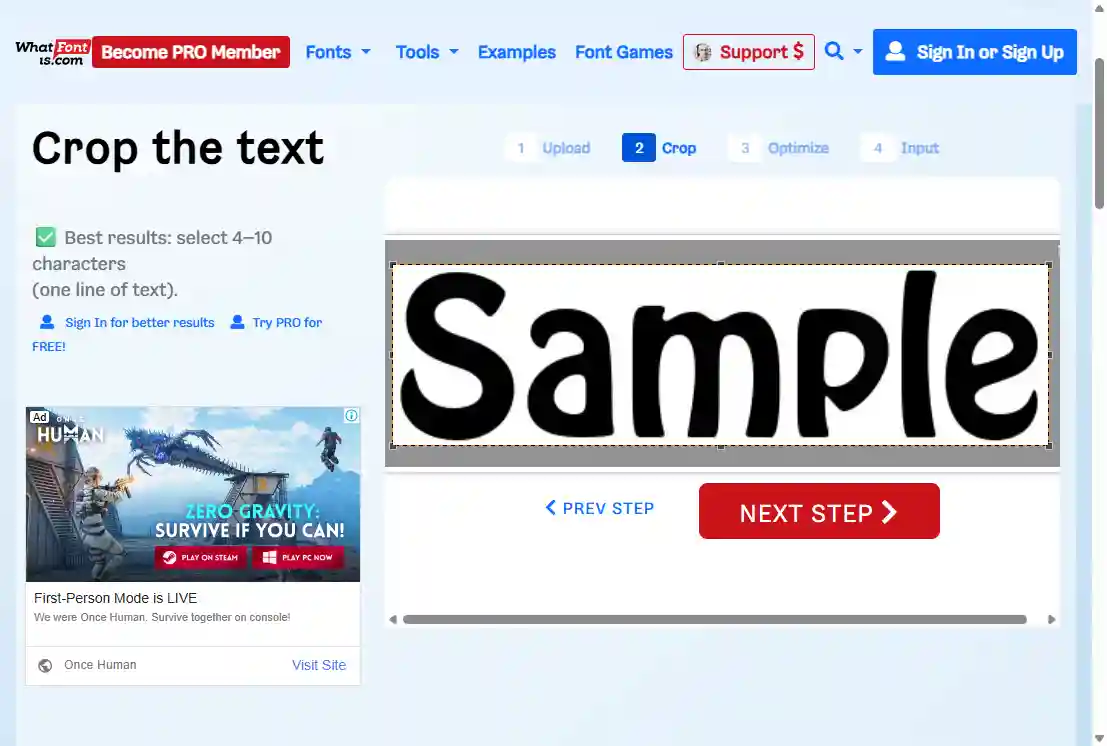
A crop handle appears over your uploaded image. Drag the selection to tightly frame the specific word or phrase you want to identify. For best results, select 4–10 characters on a single line of text. Tight, accurate cropping is the single most important factor in getting a correct match.
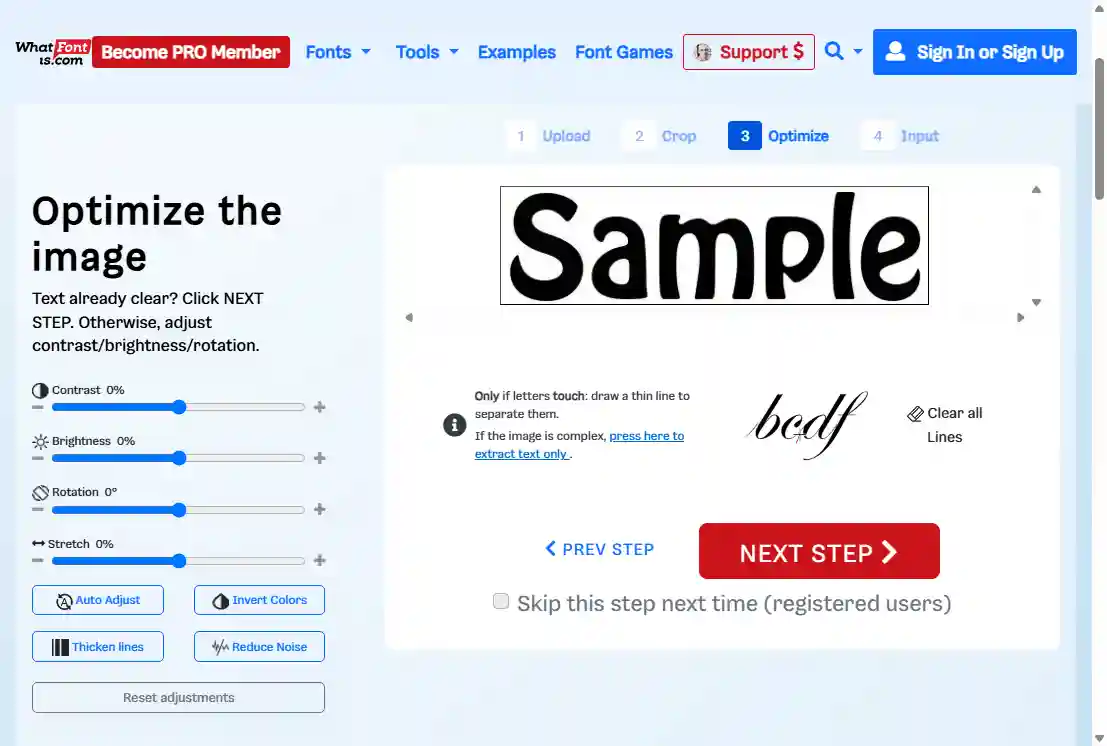
WhatFontIs shows a preview of the cropped text and gives you sliders for contrast, brightness, rotation, and stretch. Use Auto Adjust for a quick fix, or manually tweak until the letters are crisp and clearly separated. If adjacent letters touch, draw a thin vertical line between them to split them before proceeding.
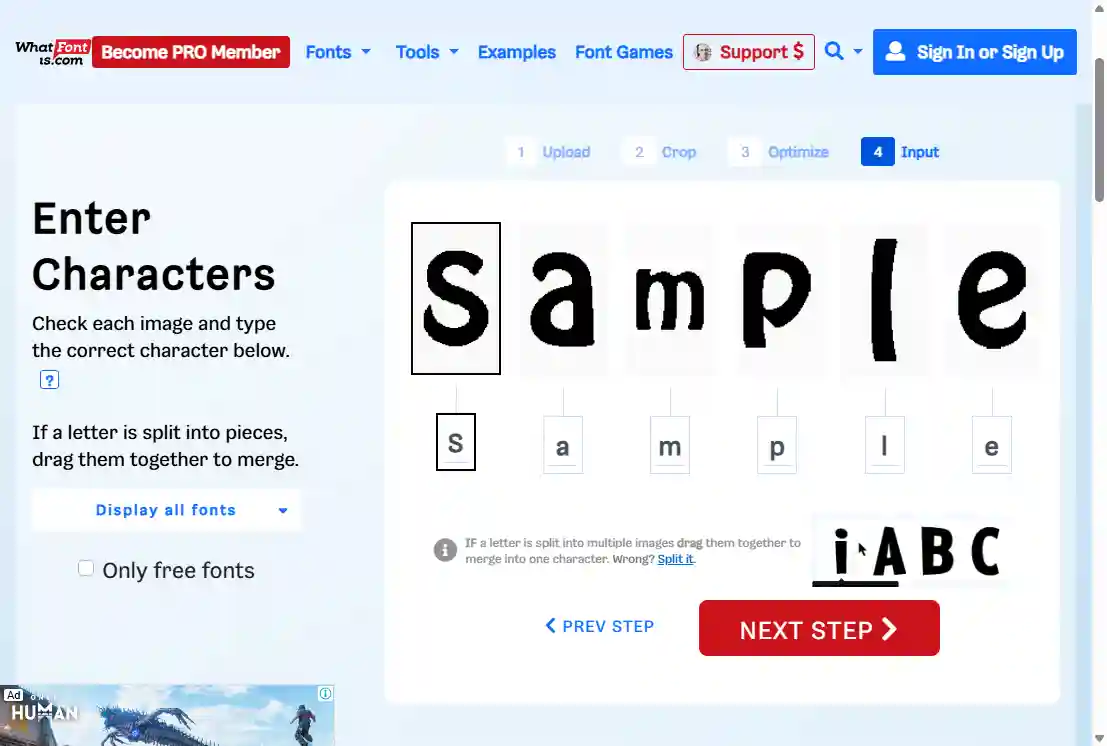
The engine automatically segments each letter from the cropped image and displays them individually. Type the correct character below each one to help the algorithm (some of them may be prefilled). If a letter has been split into fragments, drag the pieces together to merge them. This step significantly improves match accuracy for unusual or decorative typefaces.
Results are displayed across four tabs — Commercial, Free Personal, Google Fonts, and All — so you can instantly filter by licence type. Each result shows a live preview of your uploaded text rendered in that font, plus a download or purchase link. A price-range slider and AI Model selector let you refine the output further.
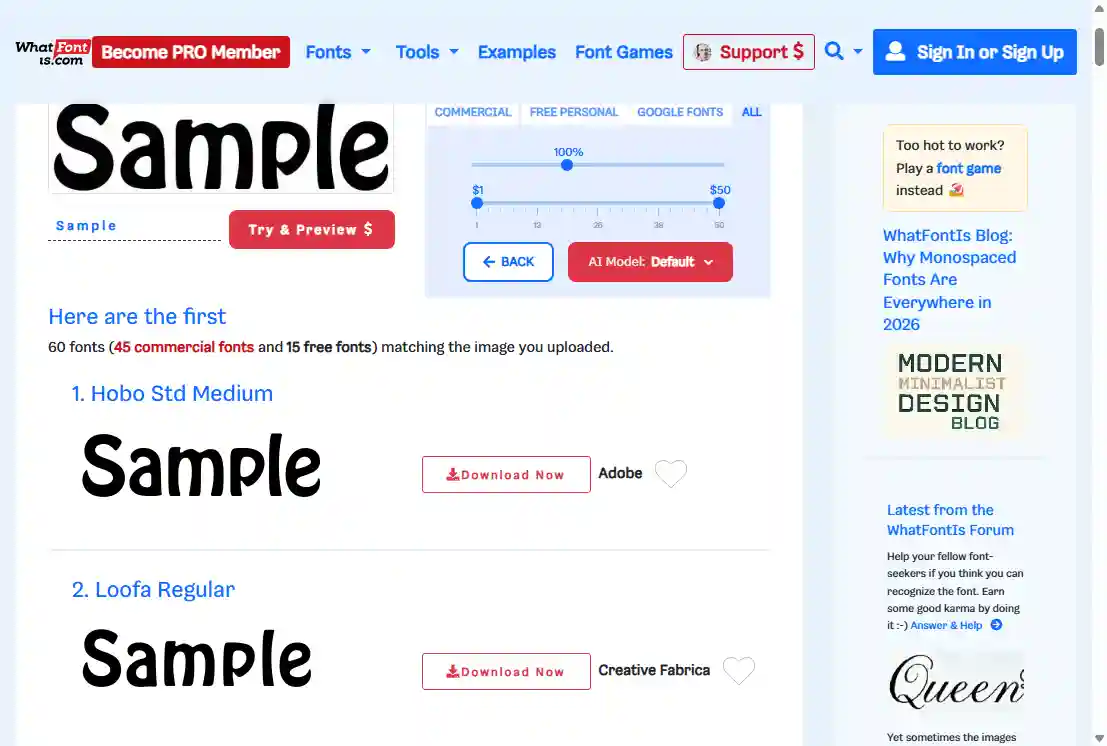
Real-world identification results
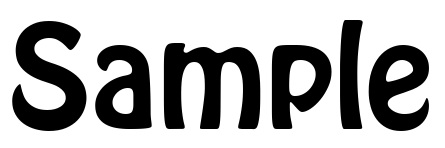
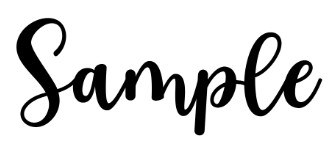
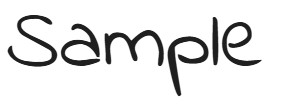
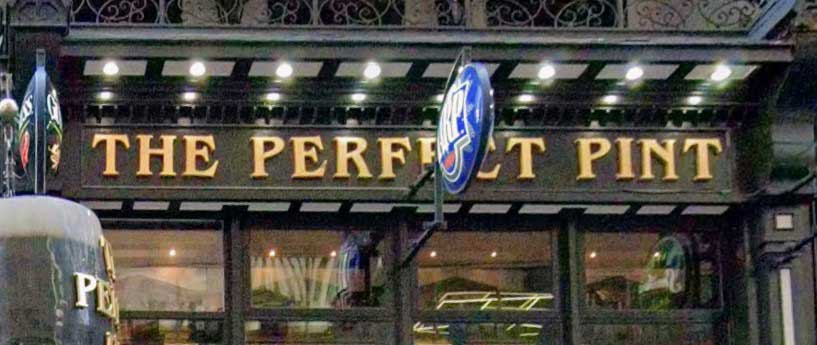
Five test images submitted to WhatFontIs — ranging from clean commercial type to free Google Fonts and challenging scripts — to see how the engine performs across its expanded database.

Free to start, PRO for power users
A 7-day free trial of PRO is available — no charge, cancel any time.
- 60 results per search
- Daily search limit applies
- Ads shown
- No automatic character recognition
- Unlimited searches
- 100 results per search
- Ad-free experience
- Automatic character recognition
- Google Fonts search
- Advanced filtering & result saving
- Priority community support
- Everything in Annual PRO
- 3 years of access for the price of ~1.5
Payments accepted via Visa, Mastercard, and PayPal over SSL. Full plan details →
Try WhatFontIs now
Search 1,200,000+ fonts — including Google Fonts and DaFont — and discover free alternatives to any typeface you find.
More ways to find a font from an image

Desktop app, top score on hard images.

Free, strong on headline and logo lettering.

Matches activate in Creative Cloud apps.
Last updated · See the full comparison table
★★★★★ Identified in the top 3 results
★★★★☆ Identified in top 4–10 results
★★★☆☆ Identified after the 10th result
★★☆☆☆ Not identified — only close similars returned
★☆☆☆☆ Complete miss
Comments
No comments yet. Be the first to share your experience.
Leave a comment