
The most trusted font finder on the web
WhatTheFont has been the go-to font identification tool for designers since its launch by MyFonts, a division of Monotype. It uses deep-learning neural networks trained on the company's commercial font database to analyse uploaded images and return accurate matches within seconds.
The tool works by isolating individual letterforms in your image and comparing them against its library of over 400,000 typefaces. It understands variations in weight, width, and style, which means it can often identify a font even when only a few characters are visible. Results are ranked by similarity score, and each match links directly to the corresponding font page on MyFonts where you can preview, compare, and purchase.
Because WhatTheFont is tied to the MyFonts catalogue, it is especially powerful for identifying commercial fonts. It won't suggest free fonts, Google Fonts or fonts not provided by MyFonts.
What WhatTheFont offers
Neural network technology analyses individual letterforms and matches them against 400,000+ typefaces in milliseconds, returning ranked results by confidence score.
A large commercial font database, spanning classic serifs, modern sans-serifs, display faces, scripts, and specialty typefaces from hundreds of foundries.
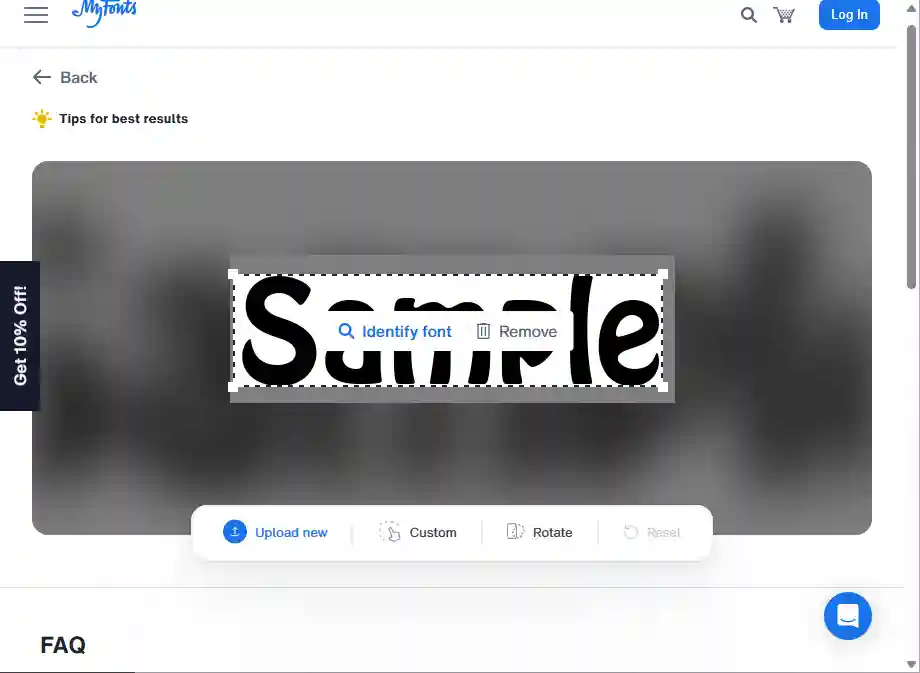
After an image is uploaded, the tool automatically identifies and highlights areas of text with dashed boxes, allowing users to simply click the specific word they want to identify
Pros & Cons
Strengths
- Very easy to use. Automatic text region detection highlights candidate areas instantly, and a single click on the target word sends it for identification.
- A very well organized database of 400,000+ typefaces from hundreds of foundries worldwide.
- Highly reliable on clean commercial type. Correctly identifies the font family and often the exact weight within the top results.
- Completely free to use — no account required, no search limits, no paywall to access results.
- Matched fonts link directly to their MyFonts product page for seamless preview and licensing.
Limitations
- Only searches the MyFonts catalogue — free fonts from Google Fonts, DaFont, or independent designers are not indexed. The engine returns similar commercial alternatives instead, which may still be useful but won't name the actual source font.
- Can miss fonts even when they are in the catalogue — highly decorative letterforms with extreme stroke contrast, long swash strokes, or unusually tight tracking can confuse the character-segmentation step and prevent the correct match from surfacing.
- Perspective distortion is a near-total blocker — skewed letterform proportions prevent reliable glyph isolation even across multiple crop and rotation attempts. A perspective-corrected image is required before the tool can produce useful output.
How to use WhatTheFont
Follow these steps to identify any font from an image in under a minute.
Crop your image so the text you want to identify is clearly visible and fills as much of the frame as possible. A clean, high-contrast image produces the best results. JPG, and PNG formats are accepted.
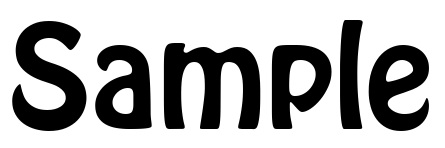
Go to myfonts.com/pages/whatthefont and either drag-and-drop your image file, click to browse and upload it, or paste in a direct URL to an image hosted online.
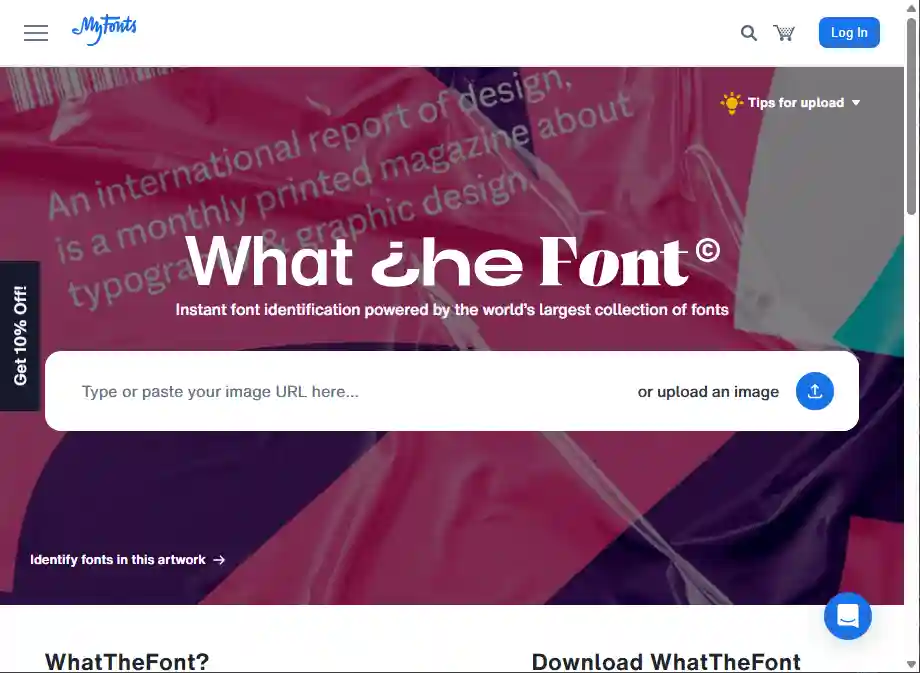
The tool automatically detects and highlights areas of text with dashed boxes.
Click on the specific highlighted section you want to identify.
If necessary, you can draw a manual crop box around a section of text, though it is recommended to draw it around
only one line of text for the best results.
You may also rotate the image to help horozontalize the text.
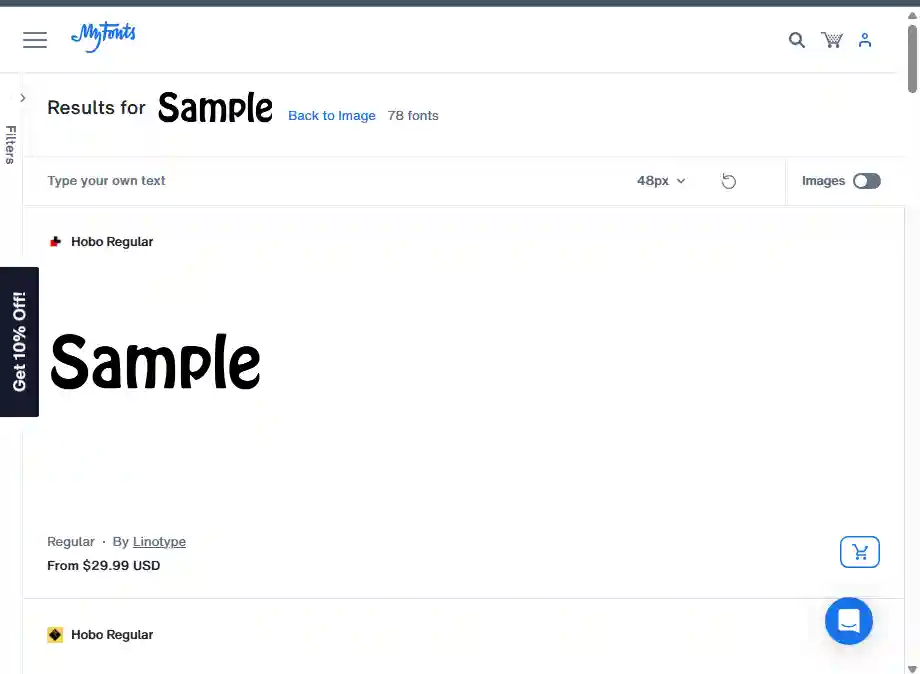
A list of results will be displayed ranked by accuracy, showing both the exact match (if found) and visually similar alternatives.
Each result shows a preview rendered in the identified font, the foundry name, and pricing information.
You can verify results by typing your own custom text into a preview box to see how it looks in each of the suggested fonts.
Click any result to go directly to the MyFonts product page. Here you can view details and purchase the font.
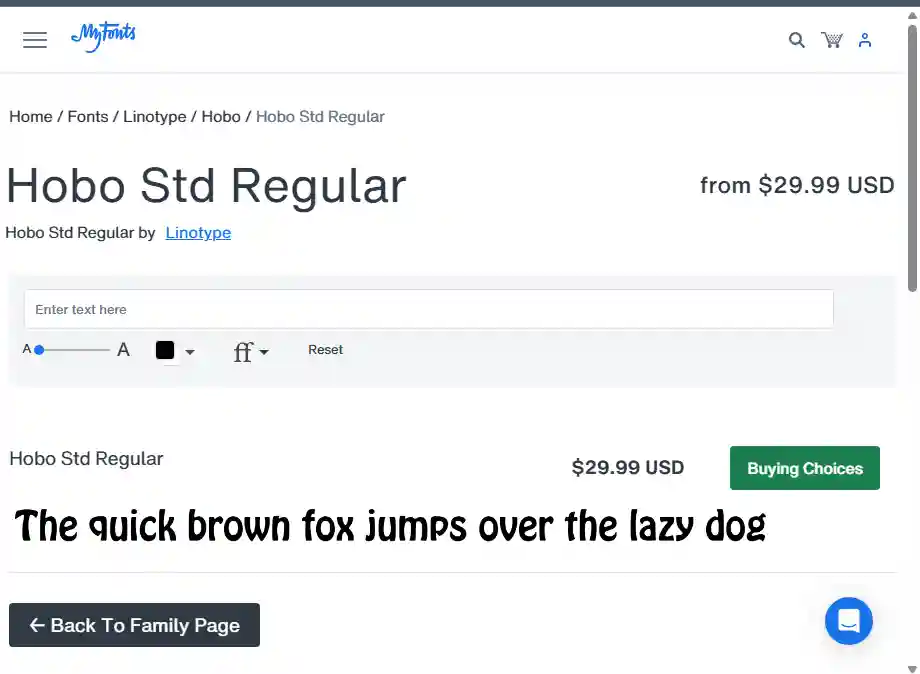
Real-world identification results
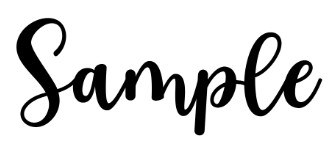
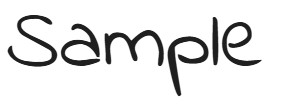
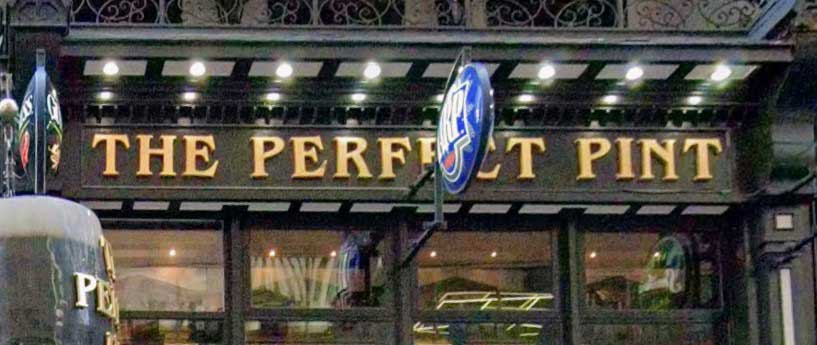
Five test images submitted to WhatTheFont — ranging from clean commercial type to challenging decorative scripts — to see how the engine performs under realistic conditions.

Free to use
WhatTheFont is entirely free. There are no accounts to create, no monthly limits, and no premium tiers for the identification service itself. You pay only when you decide to purchase a font you've found — and only on the MyFonts marketplace at standard retail prices.
Try WhatTheFont now
Upload your image and get instant font matches from the world's largest commercial type library — completely free.
More ways to find a font from an image

Searches 1.2M+ fonts, with free alternatives.

Desktop app, top score on hard images.

Free, strong on headline and logo lettering.
Last updated · See the full comparison table
★★★★★ Identified in the top 3 results
★★★★☆ Identified in top 4–10 results
★★★☆☆ Identified after the 10th result
★★☆☆☆ Not identified — only close similars returned
★☆☆☆☆ Complete miss
Comments
No comments yet. Be the first to share your experience.
Leave a comment